
Access control for 24-hour stores.
Open at night with no staff on the till. Only the people you authorise get in.
Configure your access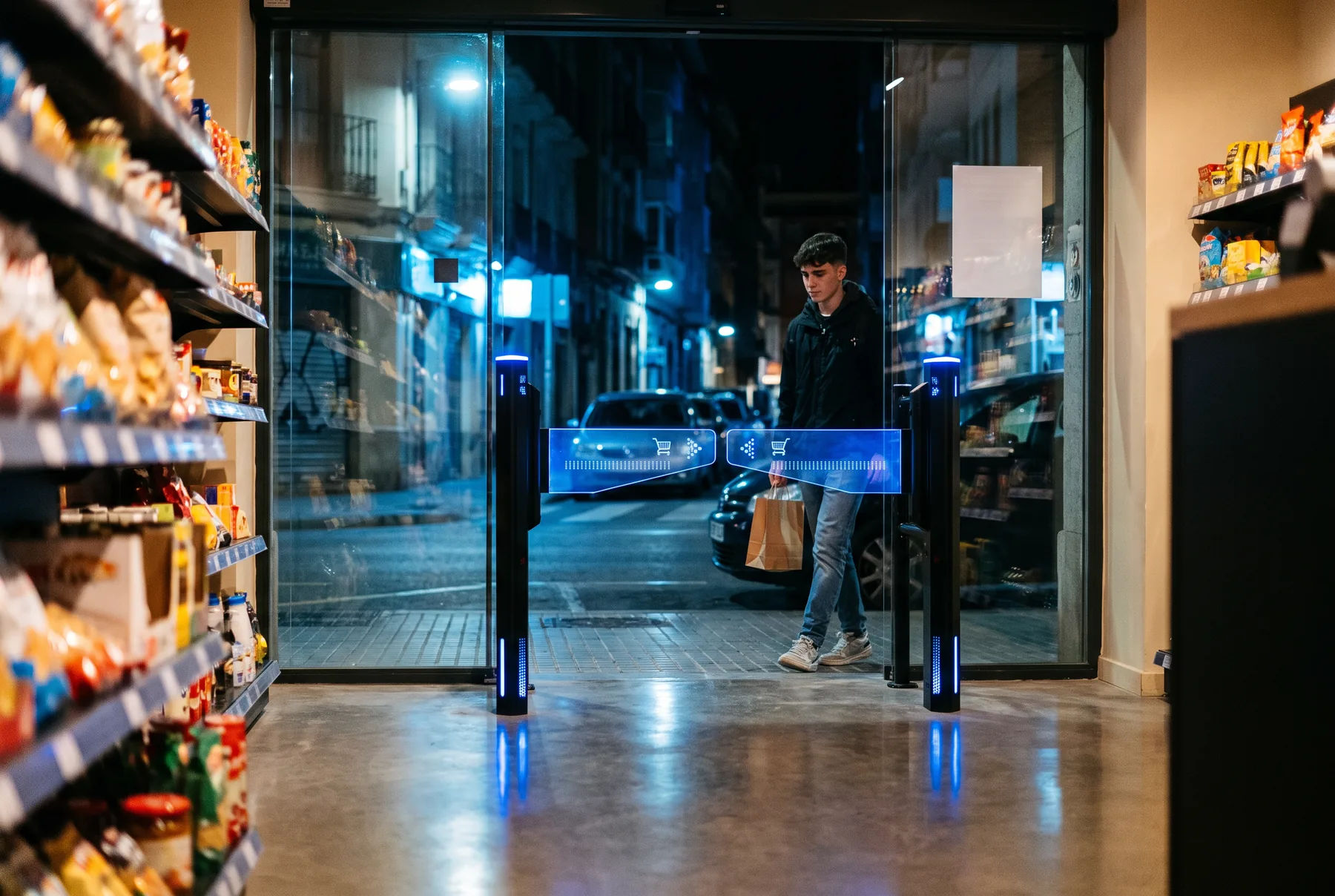
How it works.
The customer registers
Only customers registered with your store can get in.
They scan their QR to get in
Permanent or temporary per visit, depending on how you configure the store. Validated locally.
They leave freely
From inside, the gate opens by radar. Every passage is logged.
Why an unstaffed store needs its own access control
A 24-hour or unstaffed store is open at times when nobody is on the till. The entrance is no longer just an open door. It becomes the first line of security: it has to let your customers in quickly and easily, keep out anyone who is not authorised, and record who came in and when.
The problem with many systems is that they rely on the cloud to decide. If the connection fails at three in the morning, the store is either closed to customers or open to anyone. Insmartia solves this by validating every code on the gate itself.
What the Insmartia gate does in a 24-hour store
- Only lets registered customers in. Each customer registers with your store and receives their QR access code.
- Two types of code, configurable per store. A permanent QR per customer, which you can deactivate at any time, or a temporary QR per visit, which expires after the time you set and works only once.
- Validates QR codes locally. The check happens on the gate controller, without contacting any external server at the moment of passage.
- Free exit. From inside, the gate opens when the radar detects the customer, without asking them for anything.
- Keeps working without Internet. Events are stored on the controller and sent to the platform when the connection comes back.
- Opens on power failure. If the power goes off, the gate opens automatically so nobody is left inside.
- Alerts you to unauthorised passage and protects customers with anti-trap protection and obstacle detection.
For any access module
Insmartia access control does not depend on a single type of entrance. It applies to any access module: an Insmartia gate, an automatic door or the equipment you already have in the store. We check compatibility during the technical visit.
What you need to get started
- An access module: an Insmartia gate, single or double depending on the width of the entrance, an automatic door or other equipment compatible with our controller.
- A channel to register your customers and deliver their code. We define it with you on the project.
- An Internet connection for remote management. It is not needed for access to work.
Before installation, we review the evacuation route of the premises and the other store systems with you.
Managing several stores
From the Insmartia dashboard you set the access rules, see the status of each gate and check entries and rejections across all your stores. Software updates arrive remotely, with automatic rollback if anything goes wrong.
Want to know how to plan an unstaffed store from the start? Read our guide How to open an unstaffed 24-hour store.
No Internet, and the store stays open.
A network outage in the middle of the night leaves nobody locked out or locked in.
How the software works →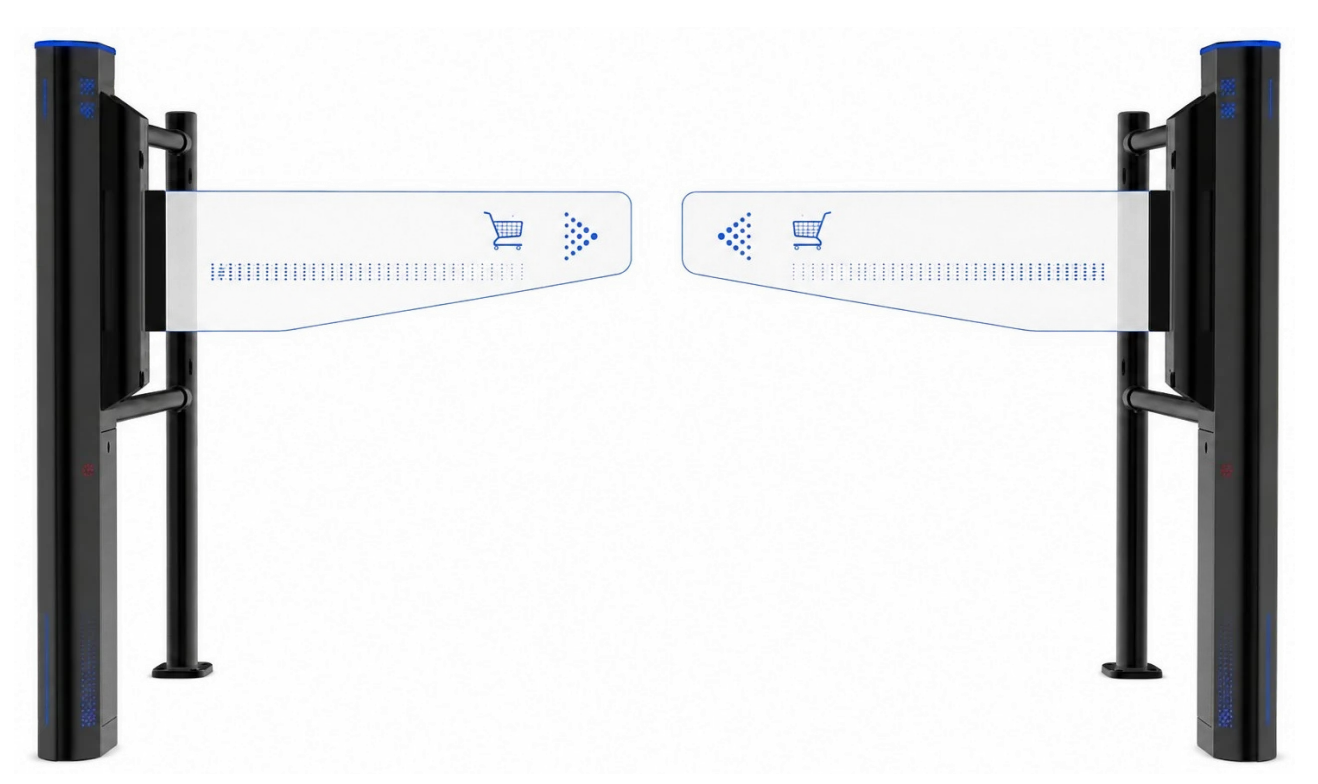
Frequently asked questions.
Do I need staff in the store to open 24 hours?
The gate controls who comes in. Whether you can operate without staff also depends on local regulations, your insurance and the other store systems, which we review with you during the project.
How does the customer get the access code?
The customer registers with your store and receives their QR: permanent or temporary per visit, depending on how you configure the store. We define the registration channel with you on the project.
Can someone reuse a code?
A temporary QR works only once, even across several gates in the same store. A permanent QR can be deactivated at any time.
What happens if the power goes off?
The gate opens automatically on power failure so nobody is trapped inside.
What if the Internet goes down in the middle of the night?
Validation is local, so access keeps working. Logs are sent to the platform when the connection comes back.
Does it work with automatic doors?
Yes. Access control applies to any access module: gates, automatic doors or other equipment. We check compatibility during the technical visit.
Can I manage several stores?
Yes. They are all configured and monitored from the same dashboard.