
How to open an unstaffed 24-hour store
An unstaffed store sells at any hour with nobody on the till. It works when access, payment, security and restocking are sorted out before you open. This guide goes through each point.
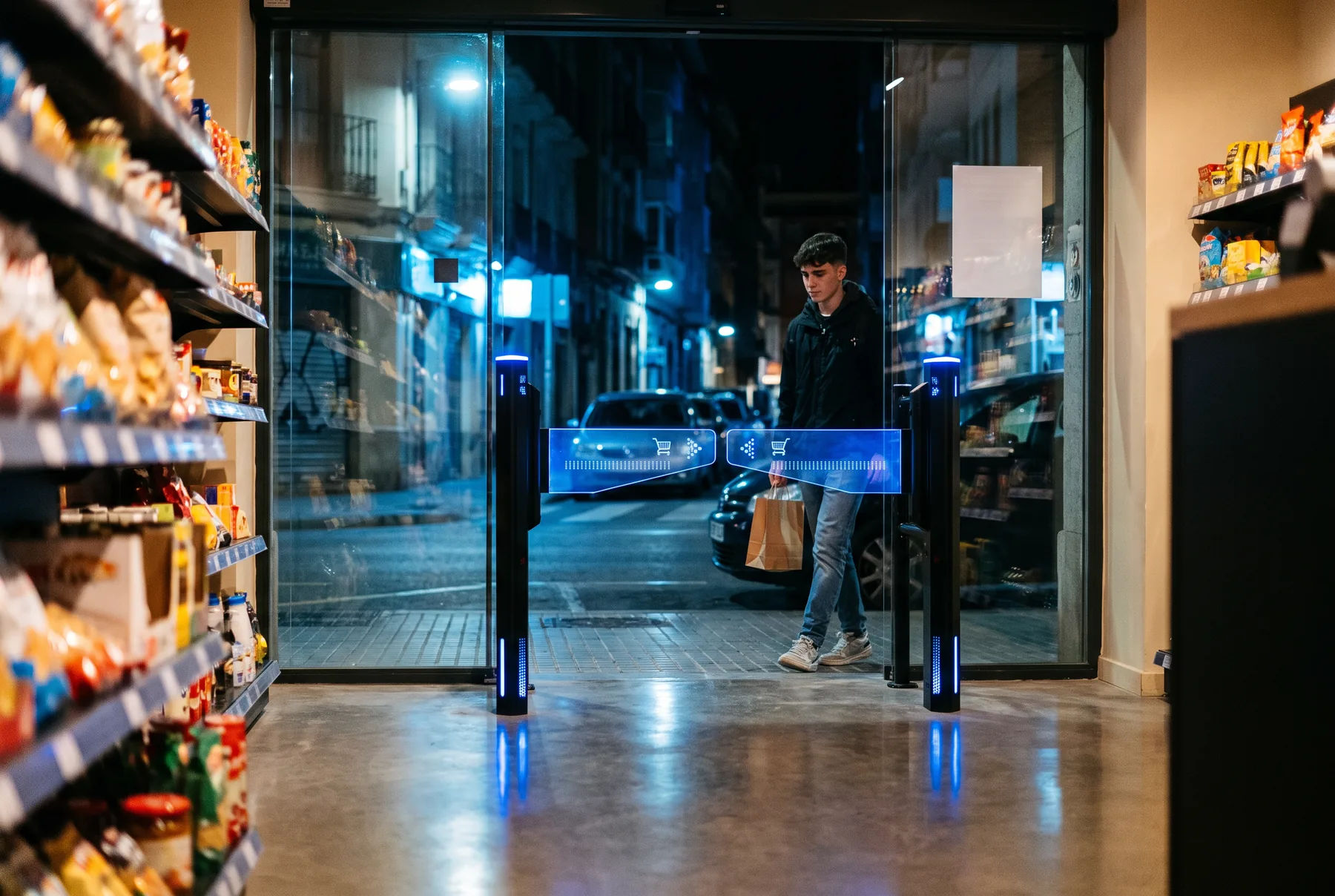
1. Define your store model
A convenience store in a residential area is not the same as a shop at a service station or a space inside an office building. Your type of customer determines the product range, the real hours of use and, above all, how they will get into the store: with your own app, with a code sent by message, with their card, or freely at certain times of day.
- Are your customers regulars who can register, or passing trade?
- Will the store run without staff only at night, or all day?
- Will you sell restricted products, such as alcohol or tobacco?
2. Check the regulations before you invest
Requirements vary between regional and local authorities, so confirm them with an adviser and with your town hall or municipality before you sign for the premises. The points usually checked are:
- Business licence and the suitability of the premises for retail use.
- Trading hours set by the applicable regulations.
- Sale of restricted products at night or without staff, which some authorities limit.
- Fire safety and evacuation: access control must never prevent people leaving in an emergency. We explain this in our guide to evacuation rules for swing gates.
- Data protection if you register customers or install CCTV, with the visible notices that the GDPR requires.
3. Sort out access
Access is what turns an unstaffed store into a secure store. A good system lets authorised customers in within seconds, logs every entry and does not lock up if something fails.
- Customer credential. The usual approach is to register customers and give them a QR code: permanent per customer or temporary per visit, with a short expiry so an old screenshot will not work.
- Local validation. If the decision depends on a cloud server, an Internet outage in the middle of the night leaves the store closed. The Insmartia gate validates on the device itself.
- Control of use. A temporary code should open only once, even if there are several entrances. A permanent one should be possible to deactivate instantly.
- Safe exit. The gate must open on power failure and must not block evacuation.
4. Payment without a cashier
The most common options are self-checkout tills, payment through the customer’s app, or a mix of both. Choose the one that best suits your customers, and make sure the receipt or proof of purchase can be used to validate the exit if you need it.
5. Security and loss prevention
Without staff, loss prevention relies on technology: access control with logging, CCTV, an unauthorised passage alarm and a store layout that keeps the most valuable products in plain view. Access control logs help you know who was in the store at any given time.
6. Remote management and maintenance
An unstaffed store cannot depend on someone coming in to restart a device. Choose systems that can be configured and updated remotely, that alert you when something fails and that keep the last working configuration. With the Insmartia platform you can see the status of every gate and all your stores from one dashboard.
Checklist before you open
- Customer model and access method decided.
- Licence, trading hours and restricted products confirmed with your local and regional authorities.
- Evacuation route reviewed with the responsible engineer.
- Access control tested without an Internet connection.
- Payment system and receipt handling tested.
- CCTV and data protection notices in place.
- Remote alerts set up and a person assigned to handle incidents.
Getting a 24-hour store ready? See how our 24-hour store access control works, or configure your access.
This guide is for information only and does not replace legal or technical advice for your specific case.